
Microsoft's Windows and Surface keynote in San Francisco on October 7 was billed around silicon. The Surface Laptop Ultra, priced from $2,599 and shipping October 16, is the debut platform for Nvidia's RTX Spark, the chipmaker's first Arm-based PC processor. That is the story most of the tech press chased. But the detail with the most immediate effect on people's daily lives may be a magnet on the side of the machine.
The feature is called Magnetic Connect, and Microsoft describes it as the world's first built-in magnetic USB-C charging experience. Windows and Surface chief Pavan Davuluri demonstrated it on stage: bring the connector close to the port, and it snaps into place by itself. The port itself remains a fully standard USB-C connector, handling video, data, and ordinary USB-C peripherals just like the other two USB-C ports on the machine.
For most buyers, this reads as a nice convenience. For people with limited hand dexterity, tremor, arthritis, or low vision, it removes a small but real daily friction. Plugging in a USB-C cable demands precision: the plug is only about 8.4 millimeters wide, it must be aligned almost exactly, and it must be pushed in with the right amount of force, often in a poorly lit room or at an awkward angle behind a desk. A magnetic attachment replaces that whole sequence with one gesture: get close, and physics finishes the job.
Why a charging cable matters
Accessibility coverage in technology tends to concentrate on software: screen readers, live captions, voice control, text-to-speech. Those matter enormously. (The market is maturing too: Gartner just published its first digital accessibility Magic Quadrant.) But hardware friction is just as real, and it gets far less attention. Tiny ports, stiff connectors, and buttons that demand fine motor control can turn routine tasks into frustrating rituals.
USB-C was already a step forward from the old micro-USB days, because the plug is reversible and there is no wrong way to insert it. But "no wrong way" is not the same as "easy." Alignment still has to be exact. For someone whose hands shake, or whose vision makes a dark port on a dark laptop edge hard to locate, the seconds add up, along with the dropped cable, the repeated attempts, and the quiet irritation of a task that should take one.
Magnetic charging has solved this before, but always behind a proprietary wall. Apple's MagSafe, which returned to MacBooks in 2021, is Mac-only. Microsoft's own Surface Connect was Surface-only, and Microsoft dropped it from the 12-inch Surface Pro and the 13-inch Surface Laptop last year. Accessibility improvements locked to one brand's hardware help only that brand's buyers, and they disappear when the company changes strategy.
The standard-port difference
Enjoying this story?
Get the five most important stories in tech, every morning. Free.
Magnetic Connect is different in one decisive way: the magnet attaches to a standard USB-C port. That means the accessibility benefit does not depend on a proprietary socket, and the port remains fully usable with ordinary USB-C cables, monitors, and drives. It is a pattern other laptop makers can copy without inventing their own connector ecosystem.
The most important accessibility feature at Microsoft's event wasn't in the software. It was a magnet.
There is also a safety angle, which matters for anyone who uses a laptop in a shared space or with mobility equipment nearby. The magnetic cable is designed to detach when yanked, so a tripped-over cord pulls the cable out instead of dragging a $2,599 machine off a table. For wheelchair users and people navigating tight spaces, that kind of breakaway design is more than convenience.
Who feels this most
Three Generations of Magnetic Laptop Charging
Microsoft's new port is the first to pair magnetic convenience with a standard connector.
Note: Timeline compares magnetic charging implementations, not comprehensive product history.
The people most likely to notice are the ones technology companies tend to design for last. Someone with arthritis in their hands. Someone with a tremor that makes precise insertion unreliable. Someone with low vision who charges a laptop by feel in a dim room. Someone using a laptop one-handed, or from a seated position where reaching behind the machine is awkward. None of these are edge cases, and none of them are addressed by a better screen reader.
That is the core argument for hardware accessibility: it meets people where the device physically meets their body. Software accessibility assumes you can operate the machine; hardware accessibility questions whether the machine is operable at all.
The catch
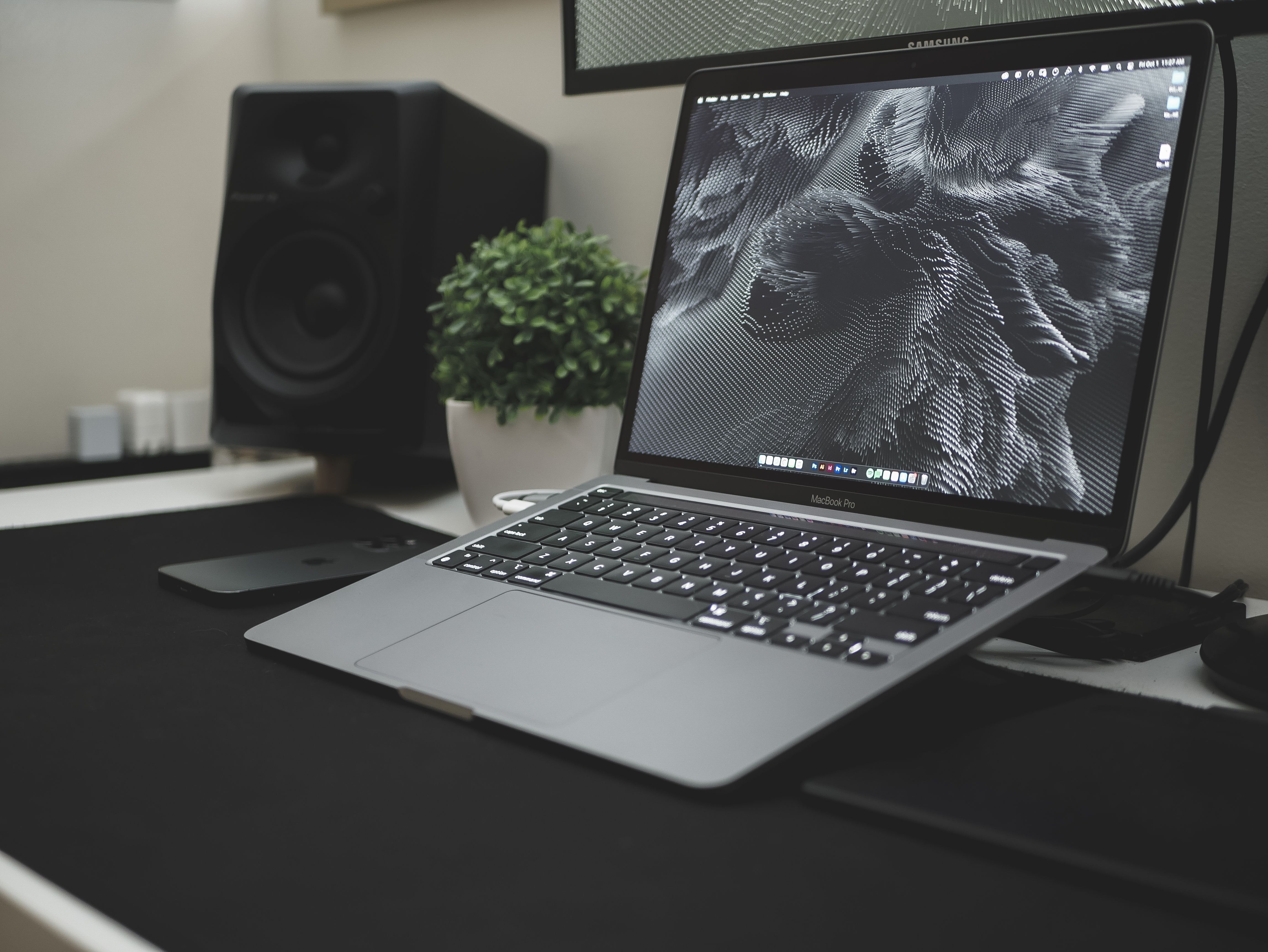
There are real limits. Magnetic Connect works only on the right-side USB-C port, though all three ports accept standard USB-C chargers. The included 140W cable has a thicker connector than a standard USB-C plug, so it will not fit other USB-C devices or phones, and its width may crowd neighboring ports depending on the setup.
The bigger catch is price. A magnetic port that arrives only on a $2,599 flagship laptop is a demonstration, not a solution. Accessibility features have the most impact when they reach mainstream and budget devices, where most people with disabilities actually buy. Until magnetic USB-C, or an equivalent low-friction charging design, appears on ordinary laptops, the people who would benefit most will largely be priced out.
That is the pattern to watch. The curb-cut effect, where designs made for people with disabilities end up helping everyone, only works if the design spreads. Magnetic Connect proves the concept works on a standard connector. The question now is whether the rest of the industry, and Microsoft's own cheaper laptops, follow.
0 Comments